

 Maildoso
 Zapmail
 Mailforge
InboxKit
Best for: an all-in-one setup that pairs mailbox provisioning with real deliverability tooling
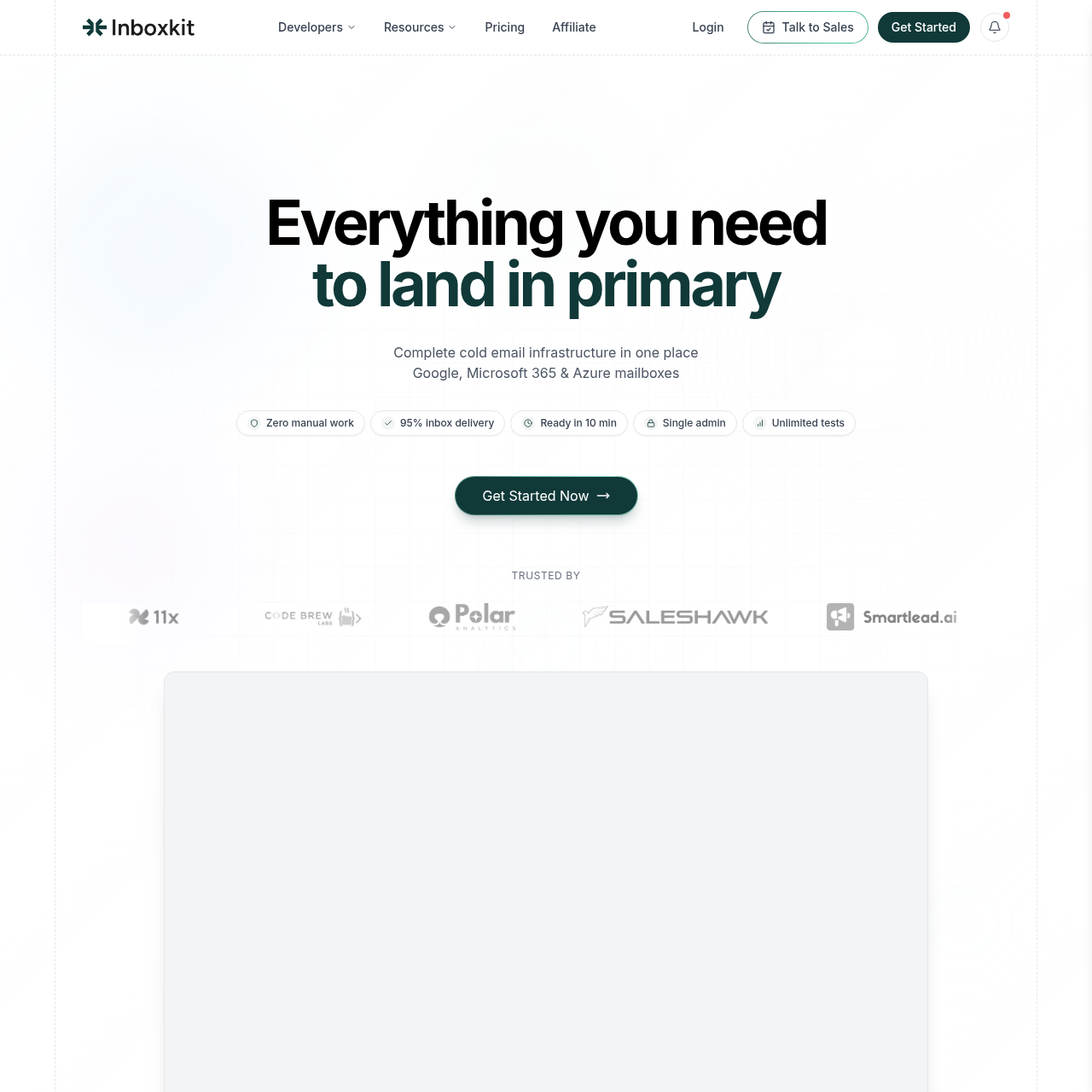
Of everything we tested, InboxKit comes closest to a full-stack solution. Billing runs annually across three published tiers: Professional at $31/mo bundles in 10 mailbox slots ($3.10 for each additional), Agency at $81/mo bundles in 30 slots ($2.70 for each additional), and Enterprise at $250/mo bundles in 100 slots ($2.50 for each additional). Fleets above 500 mailboxes can negotiate volume pricing.
Climb the tiers and the per-mailbox math improves, the often-quoted $2.50 figure is specifically the Enterprise rate, not what everyone pays. Every tier, regardless of size, unlocks Google Workspace, Microsoft 365, and Azure mailboxes on US-based IPs, and that mailbox-type flexibility is genuinely useful: some domains land better through Google, others through Microsoft, and InboxKit lets you run both from a single account. The feature that separates InboxKit from the rest of this list is the deliverability layer baked into the base product.
Automated DNS configuration (SPF, DKIM, DMARC, MX), inbox placement testing, an email verifier, a blacklist checker, live monitoring, unlimited seats, full API access, and an admin panel with 2FA and app-password support all ship on every tier without an upsell. Warmup is the one exception, it's a $3-per-mailbox monthly add-on regardless of which tier you're on. Provisioning an Azure tenant costs $30 per domain, and there's a separate protection suite called InfraGuard (blacklist, DNS, and "monster" monitoring plus unlimited placement testing) that starts with a free first month before billing kicks in.
Each domain gets its own monitoring panel, so tracking health at that granular a level doesn't require digging through a shared dashboard. Connection-wise, InboxKit talks to 24-plus sequencers, Sendbox, Instantly, Smartlead, and Saleshandy among them. The Sendbox connection stands out in particular, a one-click import that lets you pick tags and target workspaces, runs entirely off an API key, and never requires you to log into the InboxKit panel manually.
InboxKit advertises a 95 percent inbox placement rate, and its customer list includes names like 11x, Zendesk, PwC, and Merck. If what you're after is infrastructure and deliverability tooling from a single vendor, InboxKit is the strongest pick on this list once you're sized for the Agency or Enterprise tier.
Strengths9
- Runs Google Workspace, Microsoft 365, and Azure mailboxes from a single platform
- Three clearly published tiers, Professional, Agency, Enterprise, each with its own per-mailbox rate
- Placement testing, an email verifier, and a blacklist checker come standard at every tier
- InfraGuard suite adds blacklist, DNS, and "monster" monitoring with unlimited placement tests
- SPF, DKIM, DMARC, and MX records get set up automatically
- US-hosted IPs backing a claimed 95 percent inbox placement rate
- Every domain has its own dashboard for fine-grained monitoring
- Connects to 24-plus sequencers, including Sendbox, Instantly, and Smartlead
- A negotiated discount path opens up once you cross 500 mailboxes
Limitations4
- Warmup isn't included in any base tier, it's a $3-per-mailbox monthly add-on
- The $31/mo Professional tier suits a solo operator, but its $3.10 per-mailbox rate is the priciest of the three
- Running Azure adds $30 per domain on top
- There's no published free tier or trial
Verdict
At the Agency ($81/mo) and Enterprise ($250/mo) tiers, this is the most complete cold-email infrastructure option we found. Professional works fine as a starting point for a solo operator, but the per-mailbox rate improves noticeably as you move up the tiers. Just remember Warmup sits outside the base price at $3/mailbox, budget for it separately rather than assuming it's bundled.
Best for
A good match for teams that would rather get provisioning, DNS setup, and deliverability tooling from one vendor than stitch several together. The per-mailbox math rewards the Agency ($81/mo) and Enterprise ($250/mo) tiers specifically; Professional is really built for a solo operator running fewer than 10 mailboxes.