
 vs
vs
Zapmail vs Mailforge: Google Workspace vs SMTP
A pricing, mailbox-type, and feature comparison of Zapmail and Mailforge, Google Workspace against SMTP for cold email infrastructure in 2026.

Zapmail and Mailforge are independent third-party mailbox providers, neither is a Sendbox product. This comparison is based on each provider's publicly listed pricing and features.
The verdict
Really, this is a quality-versus-price question. Zapmail provisions genuine Google Workspace mailboxes, ships them pre-warmed, and layers in AI-assisted domain and mailbox naming. The bill reflects it: $2.99-$3.90 per mailbox, near the top of this market.
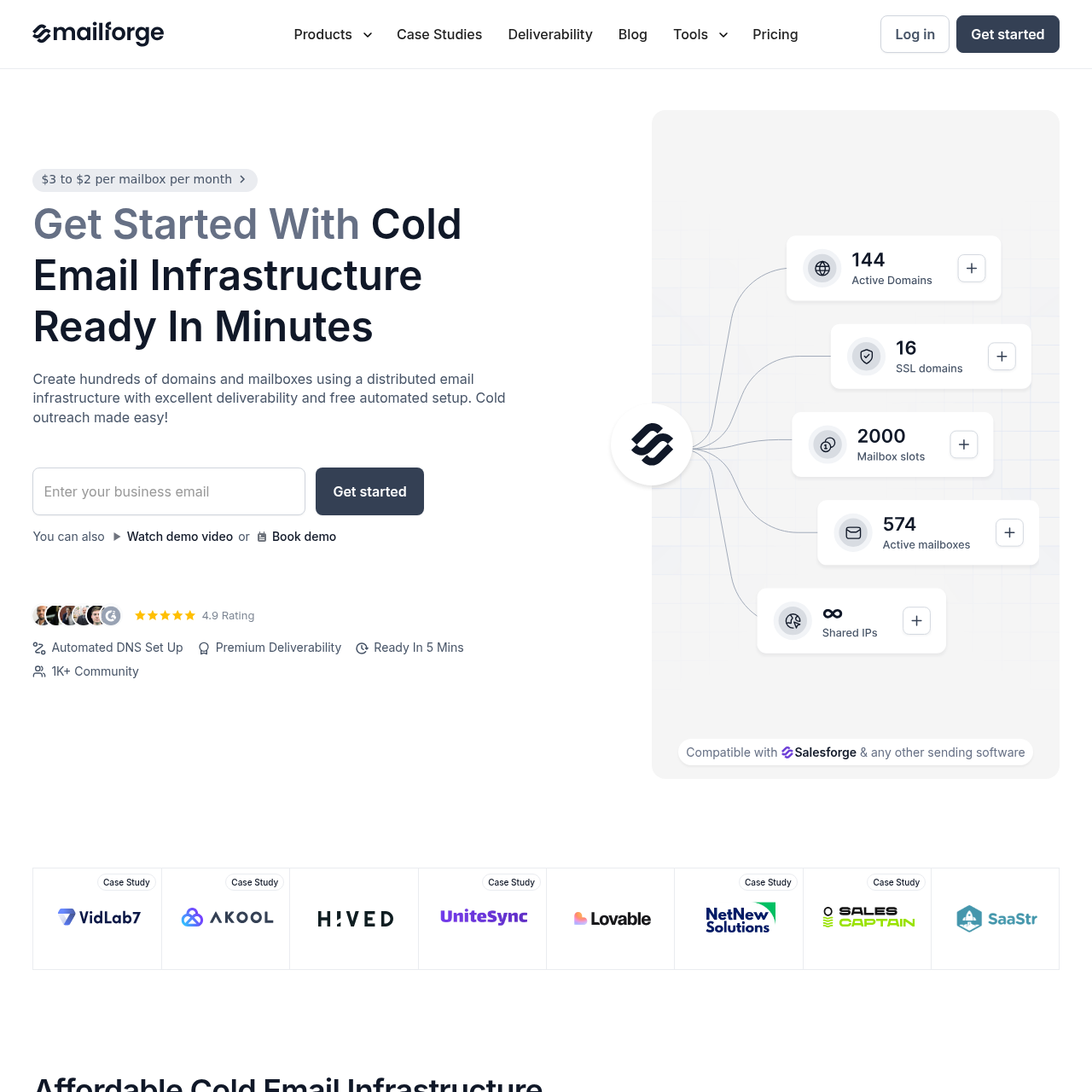
Mailforge ships SMTP relays on shared IPs at $2-$3, with no warmup and no AI tooling included. Teams that already trust their own warmup process and don't mind SMTP setup can genuinely save money on Mailforge. Teams that want Google's native deliverability and zero setup hassle pay the Zapmail premium and skip the friction.
Scoreboard
Which provider has the edge on each of the 9 rows in the table below.
A count of rows, not a weighted score, read the verdict for which differences matter most.

Feature comparison
Zapmail vs Mailforge, row by row
| Feature |  Zapmail Zapmail |  Mailforge Mailforge |
|---|---|---|
| Price per MailboxPricing | $3.00-$3.90/mo Google Workspace, priced through tiers. | $2-$3/mo Edge SMTP mailboxes on shared IPs. |
| Mailbox TypeInfrastructure | Google Workspace Edge Google Workspace, and nothing else. | SMTP only SMTP running on shared IPs. |
| Pre-warmed AccountsDeliverability | Yes Edge Accounts arrive already warmed up. | No Warmup has to come from an outside tool. |
| AI Domain GeneratorAI Tools | Yes Edge AI suggests domain names built to avoid spam flags. | No Domains are chosen manually. |
| Domain MaskingFeatures | Not specified Not mentioned. | Yes Edge Includes SSL and domain masking. |
| Scale Track RecordScale | 1M+ mailboxes Edge 1M+ mailboxes set up across 330K+ domains. | 10K+ businesses 10,000+ businesses on the platform. |
| Multiple WorkspacesFeatures | Workspace isolation Isolates each domain at the workspace level. | Yes Supports multiple workspaces. |
| Bulk DNS UpdatesFeatures | Not specified Not mentioned. | Yes Edge Handles bulk DNS updates automatically. |
| Cost for 100 MailboxesPricing | $299/mo The Pro plan includes 100 mailboxes. | $200-$300/mo Edge 100 mailboxes at $2-$3 each. |
On this page6
Google Workspace vs SMTP
Zapmail gives you Google Workspace mailboxes; Mailforge gives you SMTP mailboxes on shared IPs. That single difference is what drives everything else in this comparison. Google Workspace mailboxes ride on the trust Google has already built with ISPs over time, so they tend to land in the inbox more consistently, especially for newer domains.
SMTP mailboxes cost less but lean entirely on IP reputation, which you're sharing with every other Mailforge customer on that pool. For cold email specifically, Google Workspace is generally the safer bet on deliverability, while SMTP wins on cost efficiency once volume climbs.
Key takeaways
- Zapmail: Google Workspace, carrying built-in trust signals
- Mailforge: SMTP on shared IPs, reputation tied to the pool
- Google Workspace is the safer bet on deliverability
- SMTP is the cheaper path for high-volume teams
Zapmail vs Mailforge: Which One Fits Your Use Case
Go with Zapmail if Google Workspace deliverability, AI-assisted setup, and pre-warmed accounts matter to you, the higher per-mailbox price ($3.00-$3.90) buys better default inbox placement. Go with Mailforge if cost is the deciding factor and you're running a large enough operation that $1 per mailbox in savings genuinely adds up. Pair it with Sendbox for warmup and monitoring.
For Google Workspace at a lower per-mailbox rate, InboxKit is worth a look: Professional at $31/mo for 10 slots, Agency at $81/mo for 30, Enterprise at $250/mo for 100. The verifier, placement testing, and blacklist checker come bundled into every base tier, with Email Warmup priced separately at $3/mailbox.
Key takeaways
- Zapmail: Google Workspace quality plus AI tooling
- Mailforge: the cheapest SMTP option for high-volume operations
- InboxKit: Google Workspace at $2.50 with deliverability tools bundled in
Strengths and limitations
Pros & cons
Strengths5
- Google Workspace mailboxes with strong default deliverability
- AI-driven domain and mailbox naming
- Accounts arrive pre-warmed and ready to use
- 1M+ mailboxes set up across 330K+ domains
- 4.5-star rating on TrustPilot
Limitations3
- Costs more per mailbox, at $3.00-$3.90
- A base fee applies on top of the per-mailbox rate
- Google Workspace only, with no SMTP option
Strengths4
- Lower per-mailbox cost at $2-$3/mo
- SSL and domain masking included
- Supports bulk DNS updates and domain transfers
- Part of the Salesforge ecosystem, with an upgrade path to Infraforge
Limitations4
- SMTP on shared IPs only
- No pre-warmed accounts or AI tooling
- No Google Workspace option
- No native deliverability tooling
Using either provider with Sendbox
Both connect to Sendbox, link your mailboxes in for AI warmup, campaign sequencing, and deliverability monitoring. Migrating from Instantly, Smartlead, or EmailBison? Sendbox transfers everything, campaigns and leads included, via API key.
- Mailboxes can be provisioned right inside Sendbox, no manual setup, live in about 30 minutes
- Every plan runs on dedicated IPs with isolated infrastructure
- Plays nicely with any of the infrastructure providers above (InboxKit, Maildoso, Zapmail, Mailforge)
- Migrating from Instantly, Smartlead, or EmailBison takes an API key, not a rebuild
- A 350M+ lead database comes with the platform
- Dialer, CRM, and AI reply tagging are built in rather than bolted on
- Pricing is not per seat
Zapmail edges ahead on mailbox quality, Google Workspace, AI tooling, pre-warmed accounts. Mailforge wins on price with SMTP on shared IPs. Pick based on whether deliverability (Zapmail) or cost (Mailforge) matters more to you.
Ready to land in primary?
Get your own isolated Sendbox setup running and start sending inside 15 minutes.
Every plan includes a dedicated IP. Cancel whenever you want.

